The workout log for
serious lifters.
Free. Private. Built for progress.
Built for serious lifters who care about hypertrophy, progression, and real training data. Log workouts fast, track volume, recovery, 1RM trends, and muscle stimulus — with no ads, no subscriptions, and your data staying local on your device.
Start logging in 10 seconds — no sign-up required
Quick and Easy Log Your Exercises.
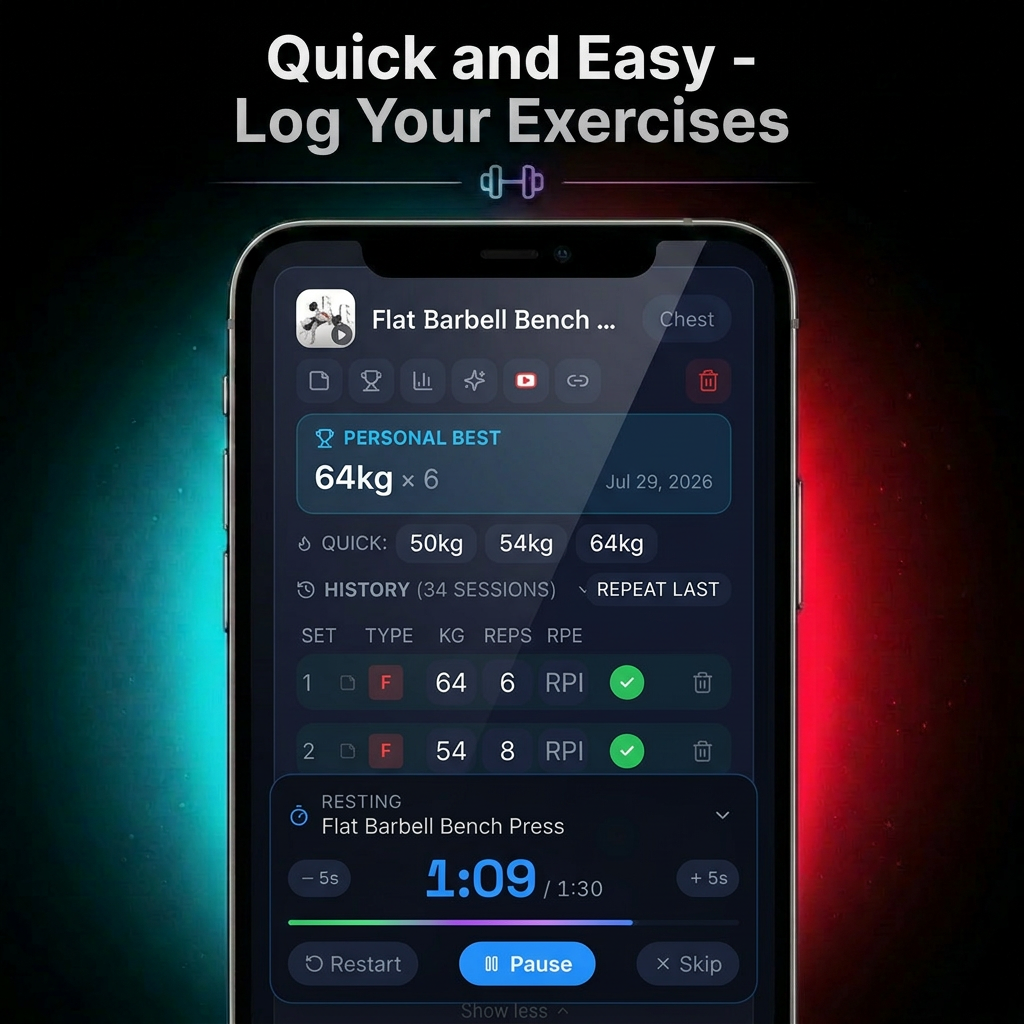
Built for the Gym.
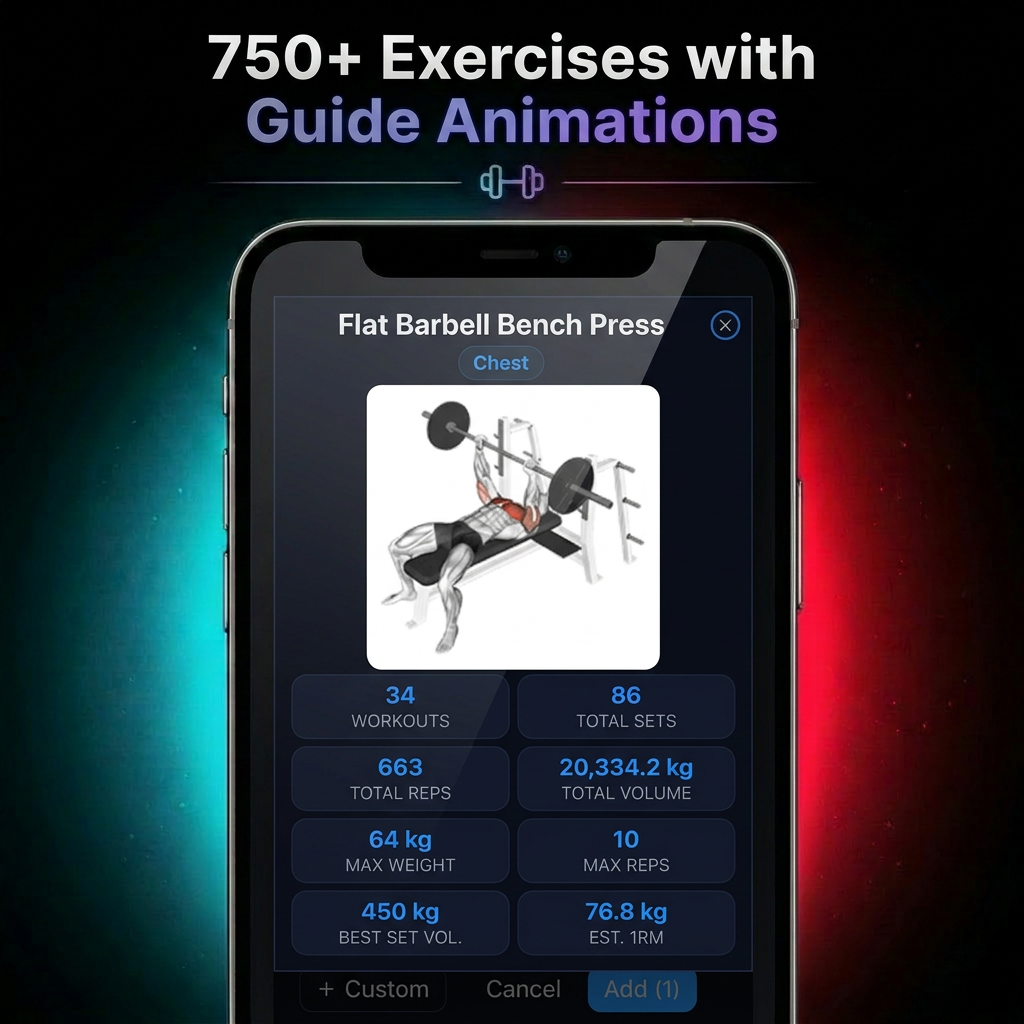
Logging, muscle stimulus tracking, analytics, and 750+ guided exercises — all in one focused dark UI.
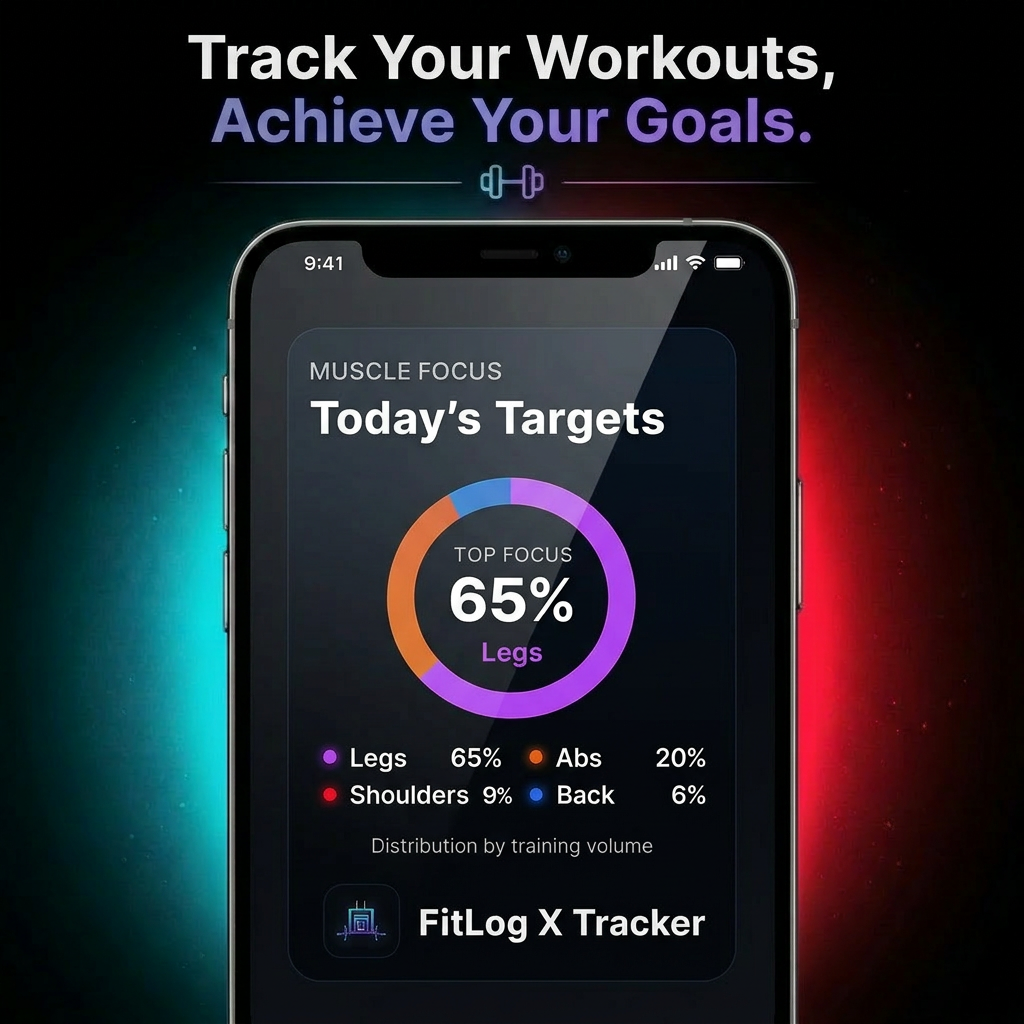
Features
Everything a lifter actually needs.
The metrics other apps lock behind a subscription — logging, volume, recovery, and 1RM — all in one focused dark UI.
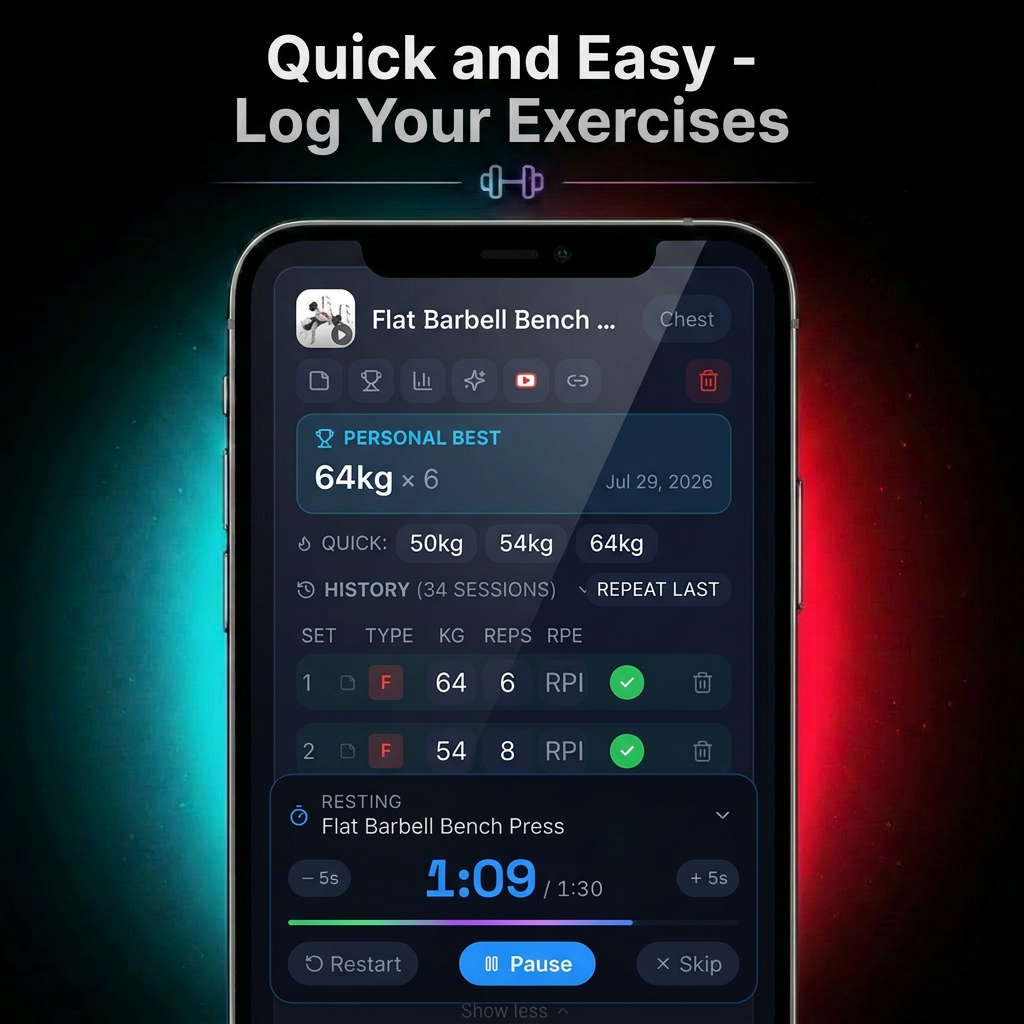
Fast in-set logging
Log sets, reps, and weight quickly with a rest timer built for real gym sessions.
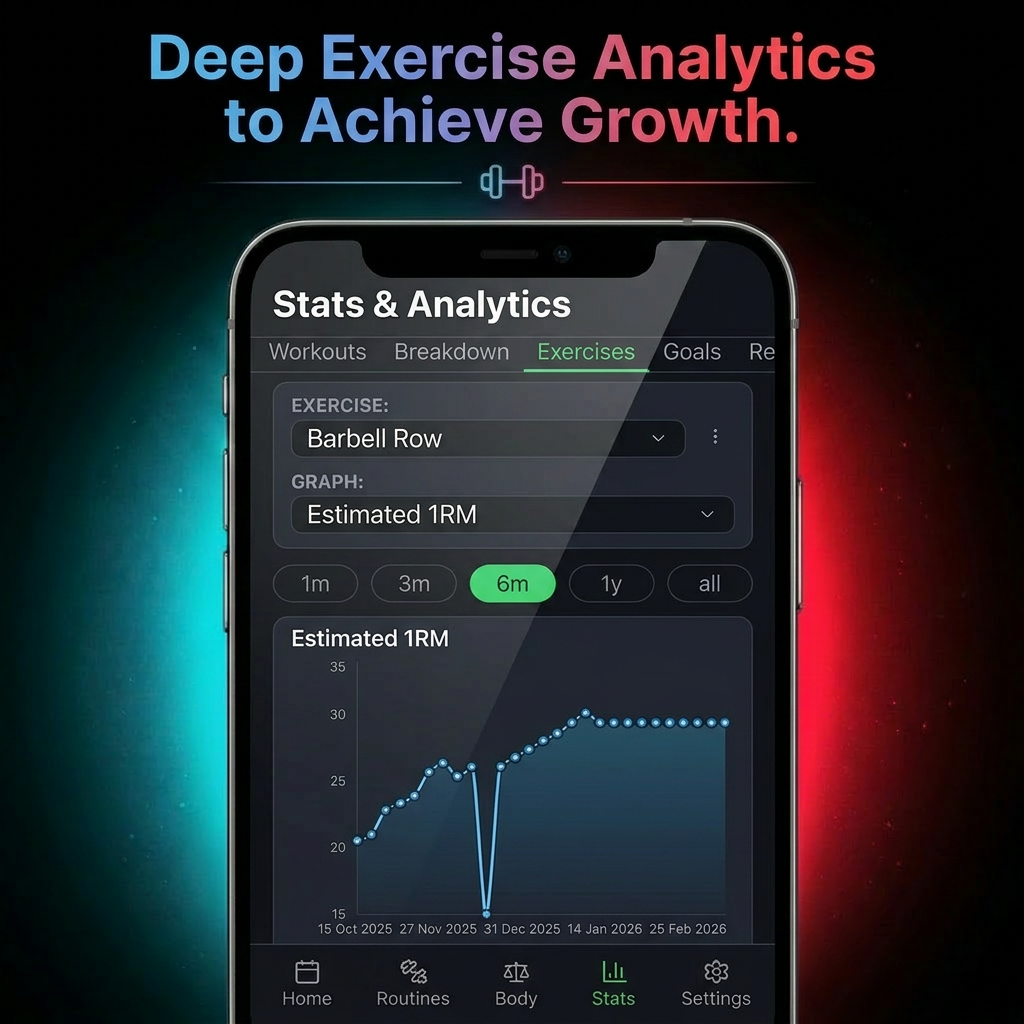
Exercise analytics
Review estimated 1RM, lift history, and exercise-level progression over time.
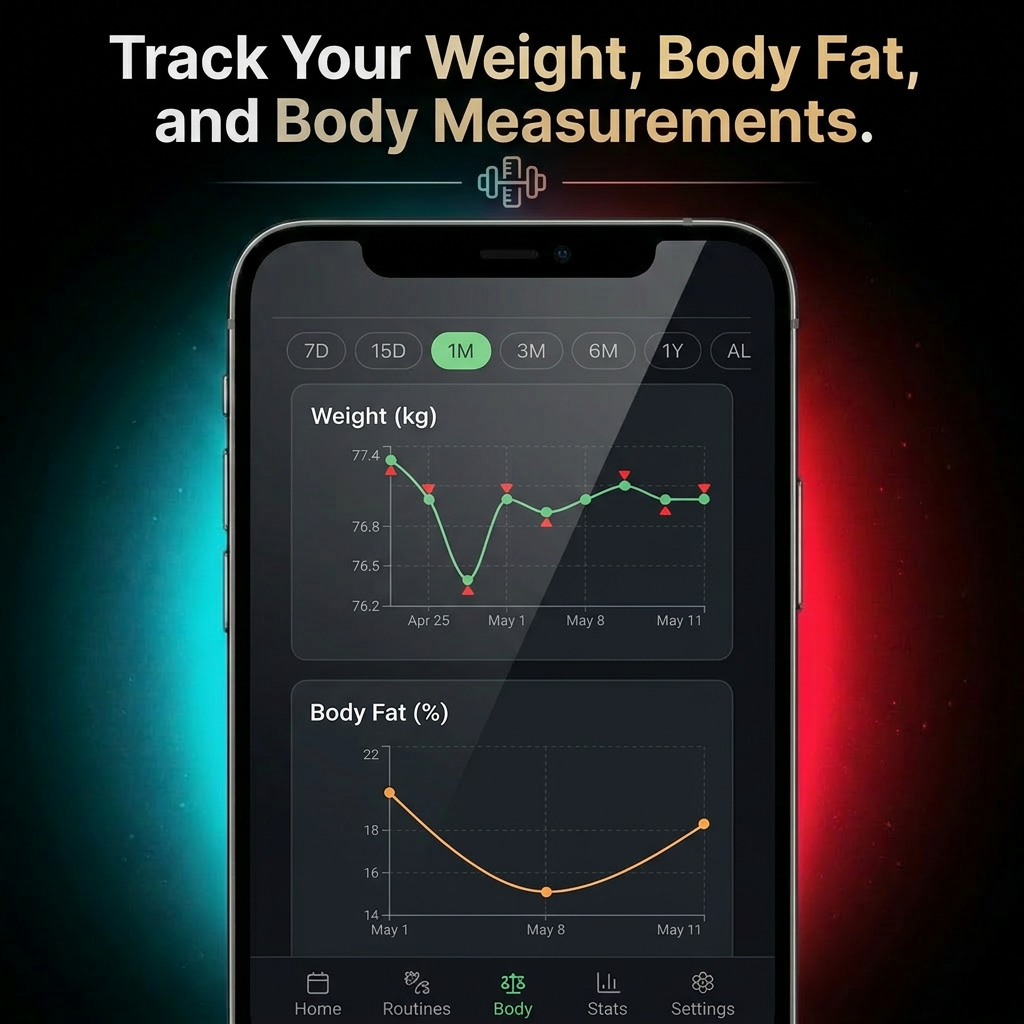
Body metrics tracking
Track body weight, body fat, and measurements to follow bulk and cut progress.
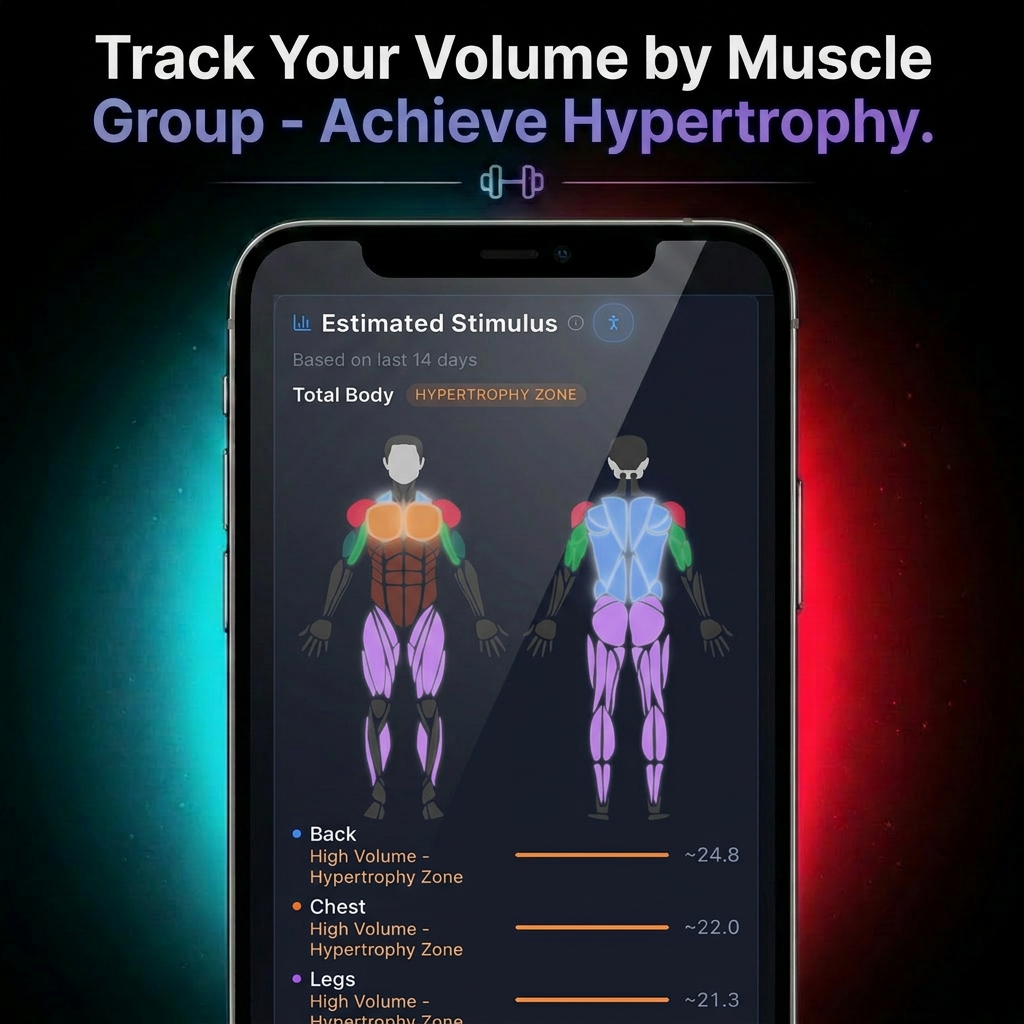
Muscle stimulus map
Visualize per-muscle volume and see which areas are in the hypertrophy zone.
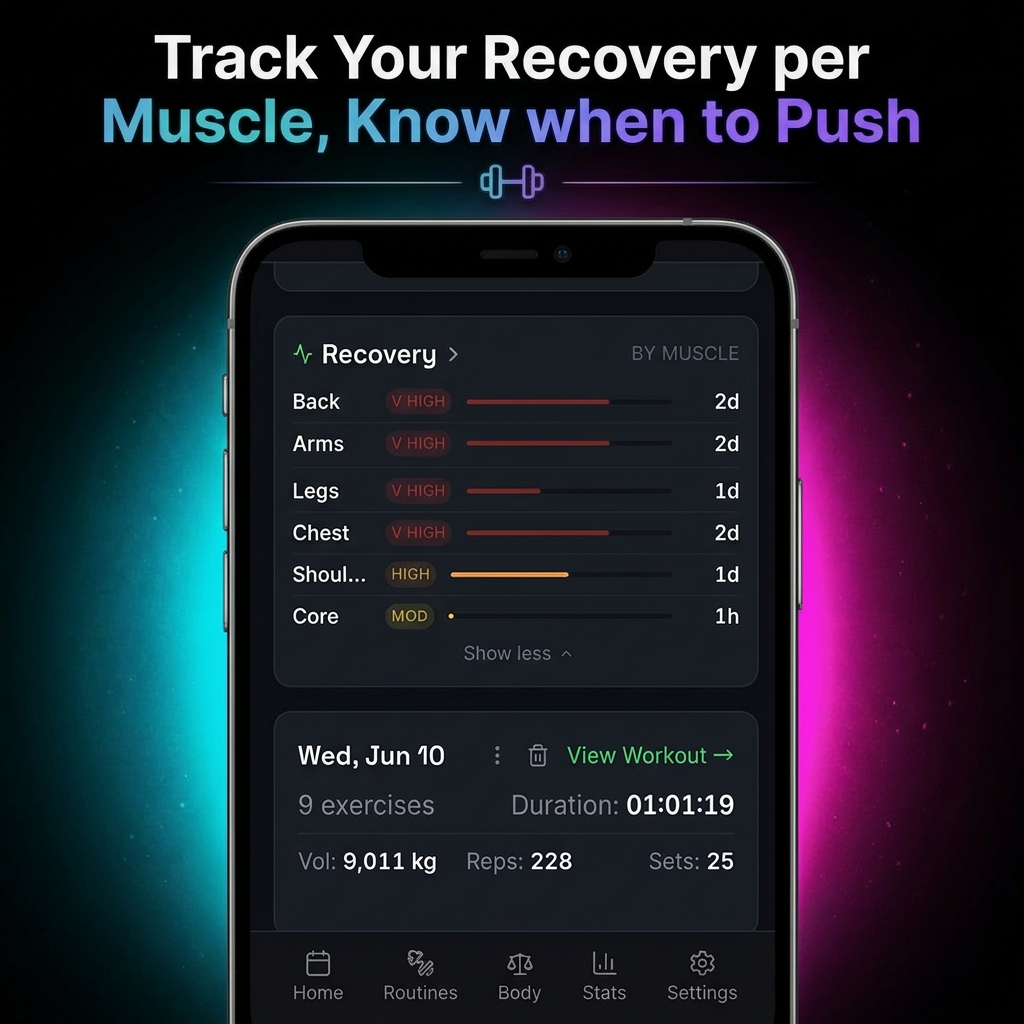
Recovery insights
See recovery by muscle group so you know when to push and when to back off.
Exercise guide animations
Browse exercise animations and performance stats to train with more clarity.
Why Fit Log X
You deserve more than another subscription tracker.
Most gym apps optimize for their revenue. Fit Log X optimizes for your training.
Standard apps
- ✕Lock historical charts behind paywalls
- ✕Force cloud registration to harvest data
- ✕Bloated with distracting social feeds
FitLog X
- ✓Free lifetime analytics to track volume trends
- ✓100% private local storage (no account required)
- ✓Zero-friction dark mode built for in-gym utility
Lifters
Built with lifters in mind.
"Finally an app that feels built for serious training. It's fast, clean, and I can log my sets between sets without losing focus."
"I love that everything stays private on my phone. No nonsense, no clutter — just quick workout tracking that actually helps me push progress."
"The volume tracking and progress view make it so easy to see when I'm really improving. It keeps me locked in and motivated every week."
FAQ
Questions, answered.
Is Fit Log X really free?+
Yes. No subscriptions, no paywalls, no premium tier. Every feature — including analytics — is available to everyone.
Does it work offline?+
Yes. Fit Log X is offline-first. You can log workouts and view your full history without any internet connection.
Do I need an account?+
No. There is no sign-up flow. Install the app and start logging in seconds.
Where is my data stored?+
Everything is stored locally on your Android device. Your workout data is never uploaded to our servers.
What can I track?+
Workouts, routines, body measurements, weekly volume per muscle, recovery, streaks, and estimated 1RM progression.
Is it on iOS?+
Not yet. Fit Log X is currently Android-only, available on Google Play.
Take control of your training.
Private. Offline. Free forever.
Download Now